
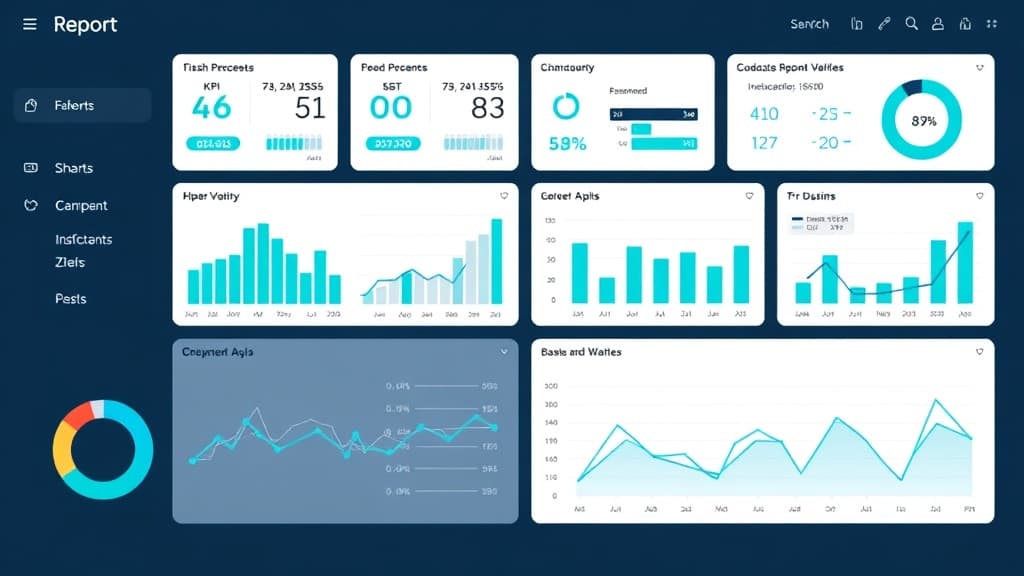
Local SEO reporting has one job: prove that the investment is generating business results. Yet most local SEO reports fail at this basic task. They're packed with vanity metrics, impressions, keyword counts, citation numbers, that don't connect to revenue. Business owners and agency clients don't care how many impressions their GBP listing got. They care about how many new customers walked through the door or called to book a service.
This guide covers what to track, how to track it, how frequently to report, and how to frame local SEO performance in terms that business owners actually understand. Whether you're an in-house marketer reporting to leadership or an agency reporting to clients, these principles will make your reports more useful and your local SEO investment more defensible.
The Metrics That Actually Matter
Local SEO metrics fall into three tiers: visibility metrics (are you being seen?), engagement metrics (are people interacting?), and conversion metrics (are people becoming customers?). Most reports over-index on visibility and under-index on conversions. Flip that ratio.
| Tier | Metrics | Why It Matters |
|---|---|---|
| Conversion (Primary) | Phone calls, form submissions, direction requests, booking clicks | Directly tied to revenue, these are the metrics that justify the investment |
| Engagement (Secondary) | GBP actions, website sessions from local search, click-through rate, review responses | Leading indicators that predict future conversions |
| Visibility (Supporting) | [Map Pack](/blog/map-pack-ranking-guide) position, keyword rankings, GBP impressions, search visibility index | Context metrics that explain engagement and conversion trends |
Setting Up Conversion Tracking
Without conversion tracking, you can't prove ROI. At minimum, implement call tracking (with unique numbers for your GBP listing, website, and each major landing page), form submission tracking, and direction request tracking. For businesses with online booking, track completed bookings attributed to local search. The goal is a clear attribution chain: local search impression → click → website visit or GBP action → lead → customer.
Essential Tracking Setup
- Dynamic call tracking with local numbers for each location page and GBP listing
- Google Analytics 4 with UTM parameters for all GBP website links
- Google Tag Manager events for form submissions, click-to-call, and chat initiations
- GBP Insights API integration for automated impression, search, and action data
- Review monitoring across Google, Yelp, and industry-specific review sites
- Rank tracking with local keyword positions at the city and zip code level
Reporting Frequency and Format
Monthly reporting is the standard for local SEO. Weekly is too granular, rankings fluctuate, and weekly reports create unnecessary anxiety. Quarterly is too infrequent, by the time you spot a problem, you've lost three months of potential performance. Monthly reports should include month-over-month comparisons, year-over-year comparisons (when data is available), and progress toward specific goals.
Create two report versions: an executive summary (1 page, 3-5 key metrics, plain language) and a detailed report (5-10 pages, full data, technical insights). Most business owners will only read the executive summary. Your team and SEO-savvy clients will want the details. Sending both shows thoroughness without overwhelming busy decision-makers.
Connecting Local SEO to Revenue
The ultimate test of a local SEO report is whether it can answer: 'How much revenue did our local SEO investment generate?' To answer this, you need to know two numbers: the number of leads generated from local search, and the average lead-to-customer conversion rate and customer value. Multiply leads × conversion rate × average customer value, and you have your local SEO revenue attribution. Compare this to your monthly investment (your local SEO cost) to calculate ROI.
For example: if your GBP and location pages generate 40 calls and 15 form submissions per month, and your sales team converts 25% of leads into customers with an average value of $500, your local SEO program generates approximately $6,875/month in revenue ((55 leads × 25% × $500)). If your local SEO investment is $1,500/month, that's a 4.6x ROI. This is the kind of clear, business-relevant reporting that keeps clients engaged long-term. Use it as the foundation for your case studies.
Multi-Location Reporting Considerations
Reporting for multi-location businesses and franchises requires both aggregate and individual views. The franchisor or corporate office needs system-wide performance: total leads across all locations, average Map Pack position, aggregate review metrics, and overall ROI. Individual locations need their own performance dashboards showing how they compare to peers and where their specific opportunities are.
Dashboard Design Principles
- Lead with conversions, put call volume, form submissions, and direction requests at the top
- Use traffic light indicators (red/yellow/green) for at-a-glance performance assessment
- Show trends, not snapshots, month-over-month trendlines reveal patterns that single data points don't
- Include competitor context, showing the client's position relative to competitors makes gains more tangible
- Keep the primary dashboard to one page, additional detail goes in supporting sections
- Automate data collection to reduce manual reporting overhead and human error
- Make reports accessible to non-technical audiences, no jargon, no acronyms without explanation
Frequently Asked Questions
What's the most important local SEO metric to track?
Phone calls from your Google Business Profile. For most local businesses, GBP-attributed calls are the highest-intent, most valuable leads. They represent customers actively searching for your service in your area and taking immediate action. Track call volume, call duration (to filter out short/wrong-number calls), and, if possible, call outcomes.
How do I attribute revenue to local SEO vs. other channels?
Use unique tracking phone numbers for each channel (GBP, organic website, paid ads). Implement UTM parameters on all links. Use Google Analytics 4's attribution models to understand the customer journey. For the most accurate attribution, use a CRM that tracks lead source through to closed revenue. Attribution will never be perfect, but these methods provide a defensible approximation.
Should I include rankings in my local SEO reports?
Include them as supporting context, but never lead with them. Rankings fluctuate daily and don't directly translate to business value. Show rankings as trend lines over time, not point-in-time snapshots. And always frame ranking improvements in terms of their impact on visibility and leads, not as standalone achievements.
How do I report on local SEO for a service area business without a storefront?
For SABs, track Map Pack visibility across all target cities (not just the home city), GBP calls and website clicks, city-specific landing page traffic and conversions, and review velocity from customers in each target market. See our complete SAB guide at /blog/service-area-business-seo for the full strategy.

Written by
Jason JacksonChief Operating Officer, Locafy Limited
COO at Locafy (Nasdaq: LCFY). Builds and operates AEO systems for local businesses. Founded Growth Pro Agency before joining Locafy via acquisition.