
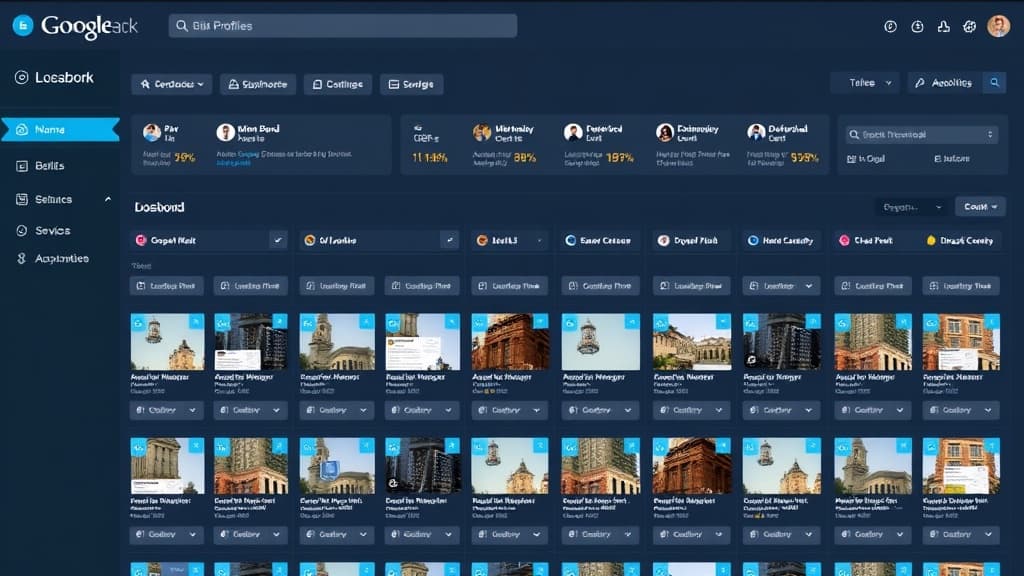
Managing a single Google Business Profile is straightforward. Managing 10 or more becomes an operational challenge. Managing 50 or more without proper systems is a full-time job. Multi-location GBP management isn't just about keeping listings accurate, it's about creating a system that ensures every location is fully optimized, consistently updated, and actively generating the signals that drive Map Pack rankings.
This guide covers the tactical infrastructure you need to manage Google Business Profiles at scale, from account structure and verification to ongoing optimization and performance tracking. Whether you're a multi-location business managing your own profiles or an agency managing GBP for clients, these systems will save you hours of work every week.
Setting Up Your GBP Account Structure
Google offers organization-level accounts specifically for businesses with multiple locations. An organization account lets you group locations, assign managers with different permission levels, and use bulk management features. If you're managing more than 10 locations, an organization account isn't optional, it's essential. Contact Google Business Profile support to upgrade your account to organization level if you haven't already.
Account Structure Best Practices
- Create a dedicated Google account for GBP management, don't use a personal Gmail account
- Request an organization account through Google's Business Profile Manager
- Create location groups by region, market, or franchisee to organize your listings
- Assign managers with appropriate access levels, owners for corporate, managers for location-level staff
- Document all account credentials and access levels in a secure password manager
- Set up a process for onboarding new locations and offboarding closed locations
Bulk Verification for New Locations
Businesses with 10+ locations can request bulk verification through Google, which skips the individual postcard verification process. Prepare a spreadsheet with each location's name, address, phone number, category, website URL, and hours. Google will review the spreadsheet and verify all locations simultaneously, a process that saves weeks compared to individual verification. Note that bulk verification requires a consistent brand name across all locations.
Optimizing Listings at Scale
Every location listing needs complete optimization, but doing this manually for dozens of locations is impractical. Start by auditing all current listings against a standardized checklist. Then prioritize updates by impact: categories and business descriptions affect rankings most, followed by photos, attributes, and services.
| GBP Element | Impact on Rankings | Update Frequency |
|---|---|---|
| Primary category | High | Set once, review annually |
| Secondary categories | Medium | Review quarterly |
| Business description | Medium | Update semi-annually or with service changes |
| Photos | Medium | Add new photos monthly |
| GBP Posts | Low-Medium | Weekly, consistency matters more than content |
| Products/Services | Medium | Update with service changes |
| Attributes | Low-Medium | Set once, update as options change |
| Q&A | Low | Seed with common questions, monitor monthly |
Review Management Across Locations
Reviews are the highest-impact GBP signal, and managing them across multiple locations requires a systematic approach. Build a review management workflow that includes: monitoring all locations for new reviews daily, responding to every review within 24-48 hours, using brand-approved response templates with room for personalization, escalating negative reviews to location managers immediately, and tracking review velocity and average rating per location.
The most effective multi-location review programs tie review generation to the service delivery process. When a job is completed or a customer is served, an automated follow-up triggers a review request via SMS or email with a direct link to that specific location's GBP review page. This isn't gaming the system, it's making it easy for satisfied customers to share their experience. For detailed review optimization, see our GBP optimization guide.
GBP Posts at Scale
Google Business Profile posts signal to Google that a location is active and engaged. For multi-location businesses, creating unique posts for each location weekly is a significant content lift. The practical approach: create a content calendar at the brand level with post themes (promotions, tips, news, events), then customize each post for each location. A local SEO agency or white-label provider can handle this at scale.
GBP posts expire after 7 days and have a modest direct ranking impact. Their real value is engagement: posts with offers and calls to action drive clicks and calls, which are GBP engagement signals that do affect rankings. Don't overthink post content, consistency matters more than perfection.
Monitoring and Performance Tracking
GBP Insights provides data on how customers find and interact with each listing: searches, views, actions (calls, direction requests, website clicks), and photo views. For multi-location businesses, aggregate this data into a reporting dashboard that lets you compare locations and identify underperformers. Key metrics to track monthly: total searches, direct vs. discovery searches, customer actions, review count and average rating, and photo quantity compared to competitors.
Set up alerts for critical issues: listing suspensions, significant review rating drops, unauthorized edits to listing information, and new competitor entries in the Map Pack. Google sometimes makes suggested edits to listings based on user reports, these edits should be reviewed and accepted or rejected promptly. An unmonitored listing is a vulnerable listing.
Frequently Asked Questions
How many Google Business Profiles can I manage from one account?
With a standard Google account, you can manage up to 100 business profiles. With an organization account, there's no practical limit, businesses with thousands of locations manage them all through a single organization account. If you need to manage more than 100 locations, contact Google Business Profile support to set up an organization account.
Can I use the same photos across multiple GBP listings?
You can, but you shouldn't. Google's photo guidelines emphasize authenticity, and using the same stock photos across all locations signals to both Google and customers that the listings aren't genuine local profiles. Use brand-standard cover and logo photos across all locations, but supplement with unique photos of each location's team, facilities, and completed work.
What happens when a location closes?
Mark the listing as 'Permanently closed' in GBP, don't delete it. A deleted listing can be reclaimed by bad actors. A properly closed listing retains the reviews and prevents anyone else from claiming the listing. If the location reopens or a new franchisee takes over, you can reopen the listing and update the information.
How do I handle GBP listings during a rebrand?
Rebrands are high-risk for GBP. Change the business name on all listings simultaneously, update all citations to match within 2 weeks, and be prepared for Google to flag and potentially suspend listings for review during name changes. Have your documentation (articles of incorporation, DBA filings) ready to submit for re-verification if needed.

Written by
Jason JacksonChief Operating Officer, Locafy Limited
COO at Locafy (Nasdaq: LCFY). Builds and operates AEO systems for local businesses. Founded Growth Pro Agency before joining Locafy via acquisition.